EN
EN

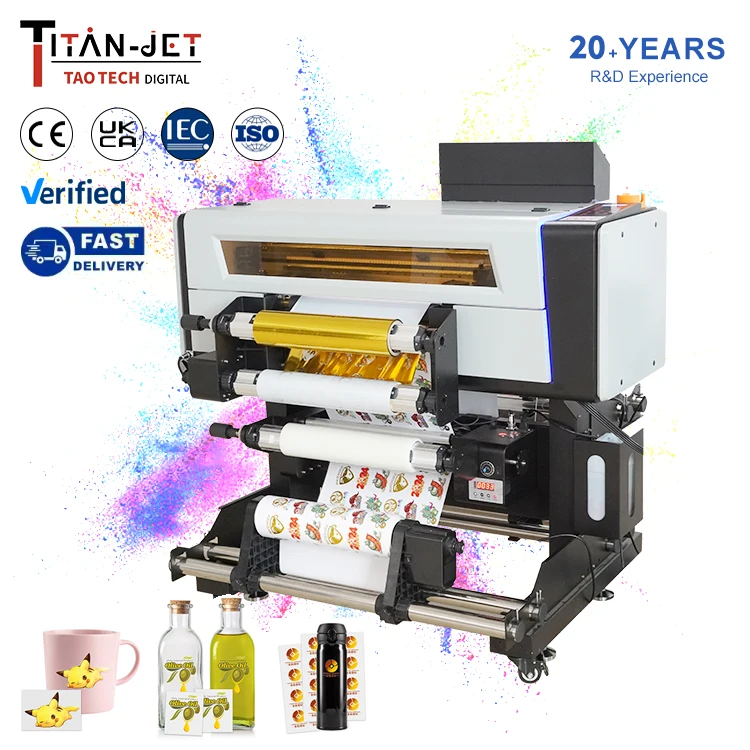
Adjusting shake speed and temp on A3 DTF printer is really key for good prints. Titanjet printers known for they quality, and tweaking these setting can make big differ. When you get right shake speed and temp, prints come out clear and bright. This article help you figure how to adjust for best result.
Adjusting Powder Shake Speed for Best DTF Printing
Shake speed of the powder on DTF printer are crucial. If speed too fast, powder can spread everywhere and not stick good to design. This lead to messy prints that look bad. On other hand, if shake speed too slow, powder may not cover even. Finding balance is key. For Titanjet printers, medium speed often best. So start testing differ speeds and see prints. If prints look light or colors not bright, try increase shake speed little. If powder clumping or not sticking, slow it down. Always clean machine regular, a clean printer work better and give good results. Also watch the powder. Old or clumpy powder don’t work well, so use fresh one. It trial and error, but practice you learn right shake speed for printer and designs. And write down what work for later.
How Temp Settings Affect DTF Printer
Temp is another big setting on your A3 DTF printer. Right temp help ink and powder work together for nice prints. If temp too low, powder not melt proper, lead to weak prints that peel or look dull. Flip side, if too high, you risk burn design or warp it. For Titanjet, around 160-180 Celsius usually work well. Check recommend settings for your film and powder. Sometimes adjust bit based on humidity or airflow, as these change prints. Do test prints at differ temps to see best for projects. Watch how prints turn out can help understand temp effect. Make notes so repeat later. Adjusting temp seem tricky first, but with practice you get comfortable. Right temp make prints pop, so don’t ignore.
Troubleshoot Common Powder Shake Speed Issues
With Titanjet A3 DTF printer, sometimes powder not stick to design good. This color label printer not settle on wet ink right. If too slow, too much powder make mess and ruin print. To fix, adjust shake speed. Try slow it little and test prints, see if powder stick better. If still problem, check powder. Old or clumped powder won’t work. Use fresh and see. Also look at printer temp. If too cold, powder not stick. If too hot, it melt wrong. Set right temp for powder. Balance of shake speed and temp really matter. Last, if all that not help, clean printer. Dust and leftover powder cause issues. Clean everything, then print again and check.
Best Practices for Temp Control in DTF Printing
Temp control very important for sticker printer machine help powder stick perfect. If too low, powder not adhere, print look bad. If too high, powder melt or burn and ruin. Always check what temp your powder need, most have range so follow. Good practice have thermometer near printer, so check easy and adjust. If room cold, use space heater bit. If hot, keep printer cooler, away sun or heat. Also, differ fabrics need differ temps, like cotton vs poly. Read supply instructions. Keep notebook with temp for materials, that help remember and less trouble. Good temp control make DTF printing smooth.
Tips for Wholesale Buyers
If wholesale buyer for DTF T-shirt printer think business needs first. How many prints you do? For lots, get high quality printer handle volume. Ask speed and features match. Next, cost of supplies like powder, ink, film. Check price and restock often. Suppliers give bulk discount sometimes, compare for best deal. In addition, ask customer service. Good support help if issues. Research help smart choice, so happy with printer and make great prints for customers.